
Breaking Glass workflow
If you enable the Breaking Glass workflow, you will be able to force merge PRs in specific repositories and for specific teams. This is useful when you need to merge a PR in an emergency situation.
First way: use the wizard
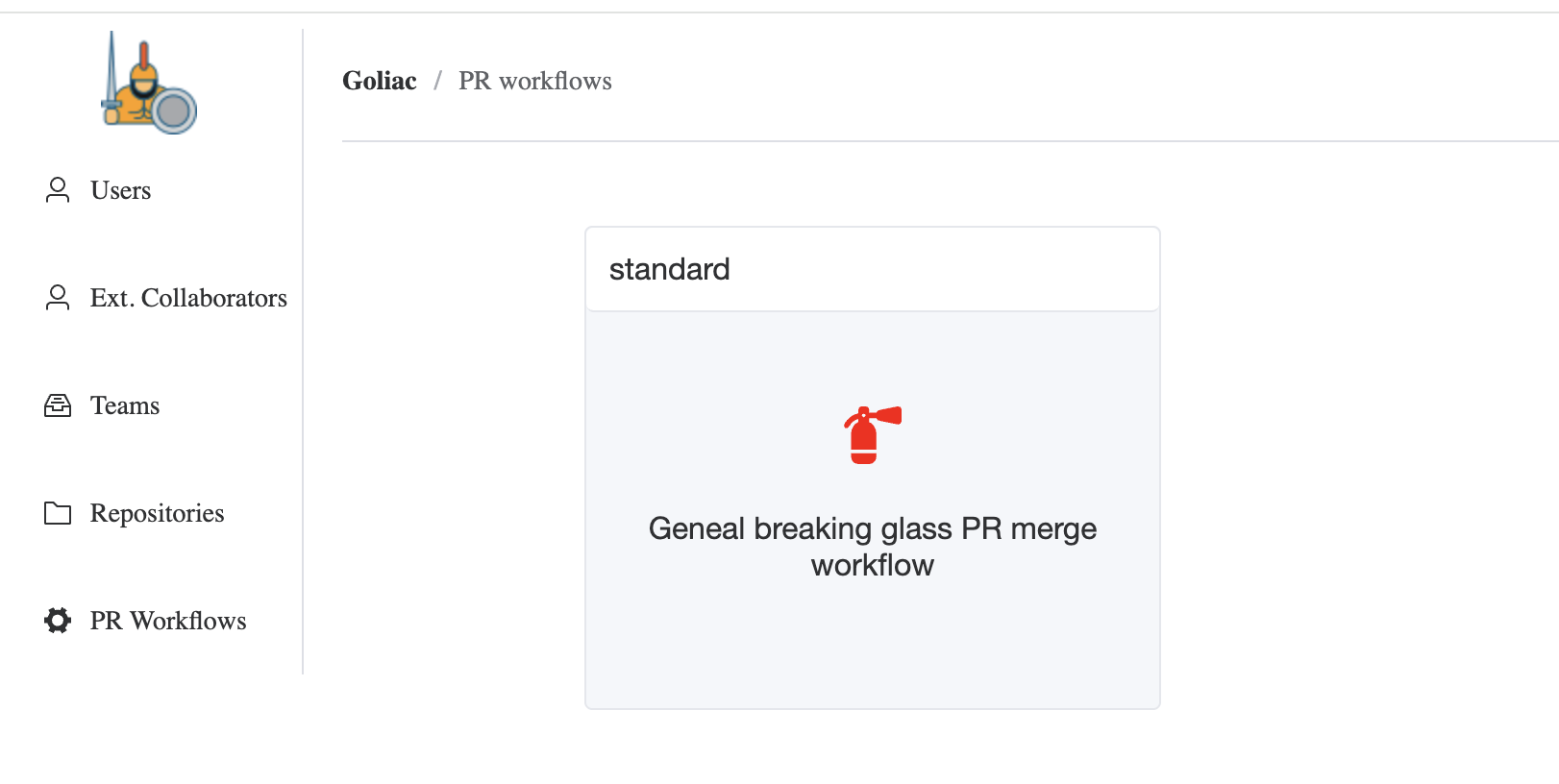
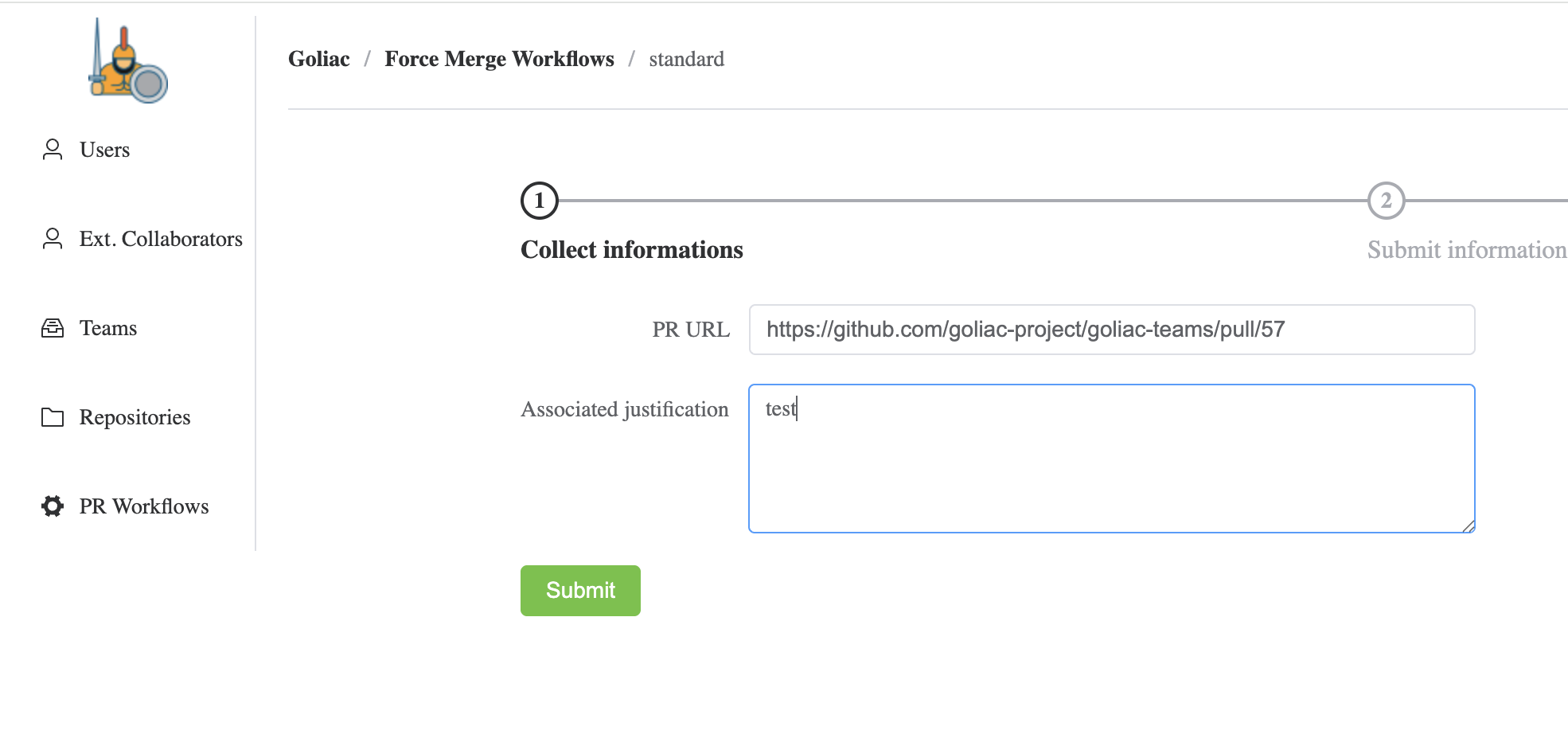
You have the possibliity to enable a Breaking Glass workflow that allows to force merge PRs in specific repositories and for specific teams. This is useful when you need to merge a PR in an emergency situation.
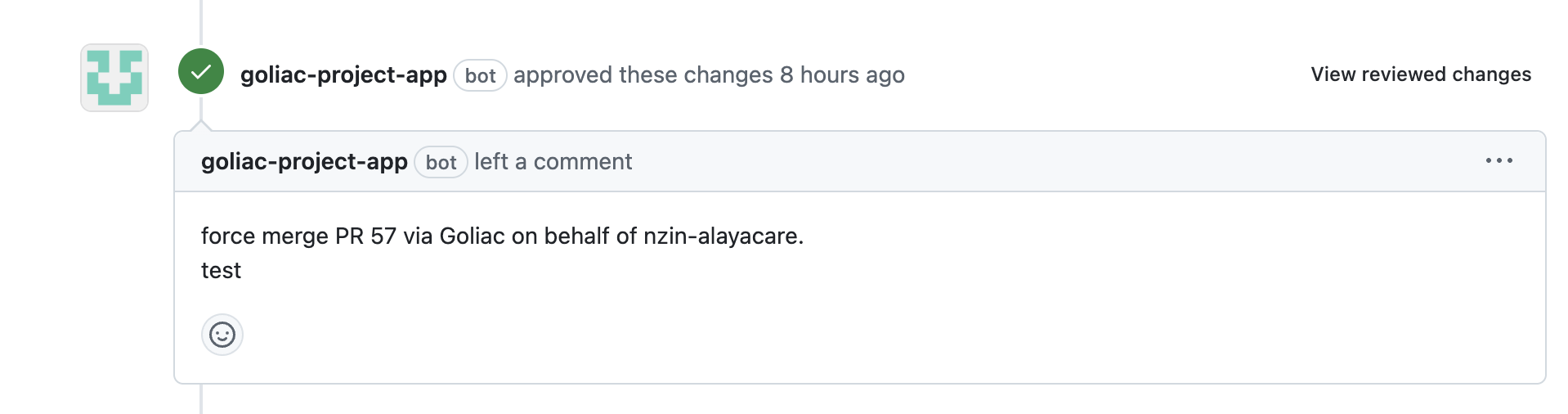
See Workflows to see how to enable it
Second way: use PR comments
You can also use PR comments to force merge a PR.
/forcemerge:<workflow_name>: <explanation>Example:
/forcemerge:standard: need to merge this PR out of regular office hours to fix the production issueThis will trigger the standard workflow to merge the PR.
Squash merge
By default, the PR will be merged with the commit merge type.
If you want to squash merge the PR, you can add the /squash string in the explanation.
Example:
/forcemerge:standard: need to merge this PR out of regular office hours to fix the production issue /squashThis will trigger the standard workflow to merge the PR with the squash merge type.